Account Details
After searching for a customer, select their record to view their customer details. The customer panel is split into tabs so you can check the information you need before attaching the customer to the sale.
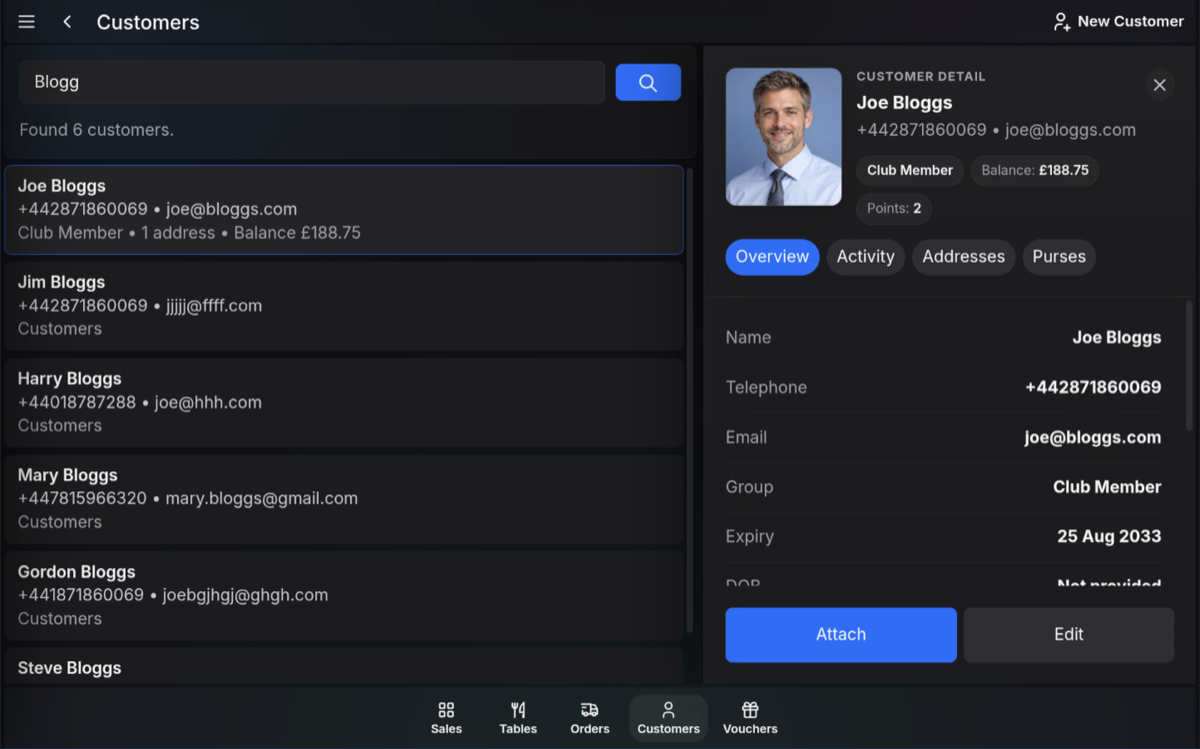
Overview
The Overview tab shows the main customer details, including name, telephone number, email address, group, expiry date, balance, and points where available.
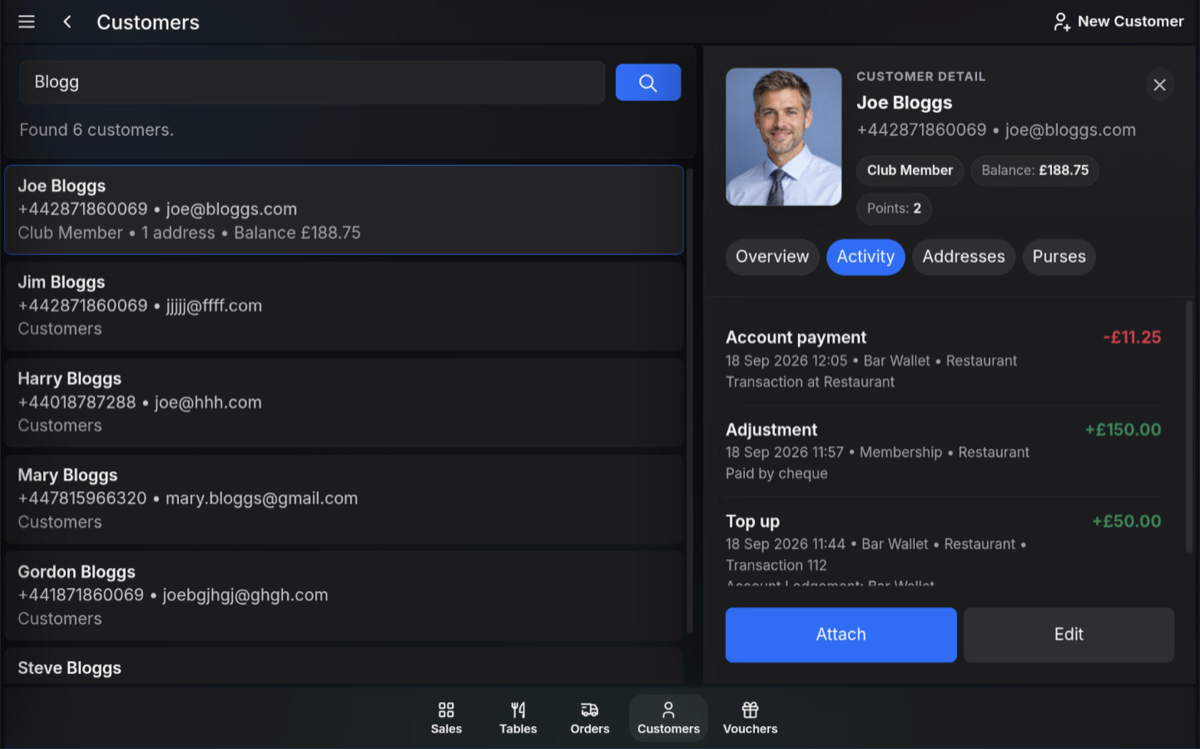
Activity
The Activity tab shows recent account activity, such as account payments, adjustments, top-ups, and transactions linked to the customer account.
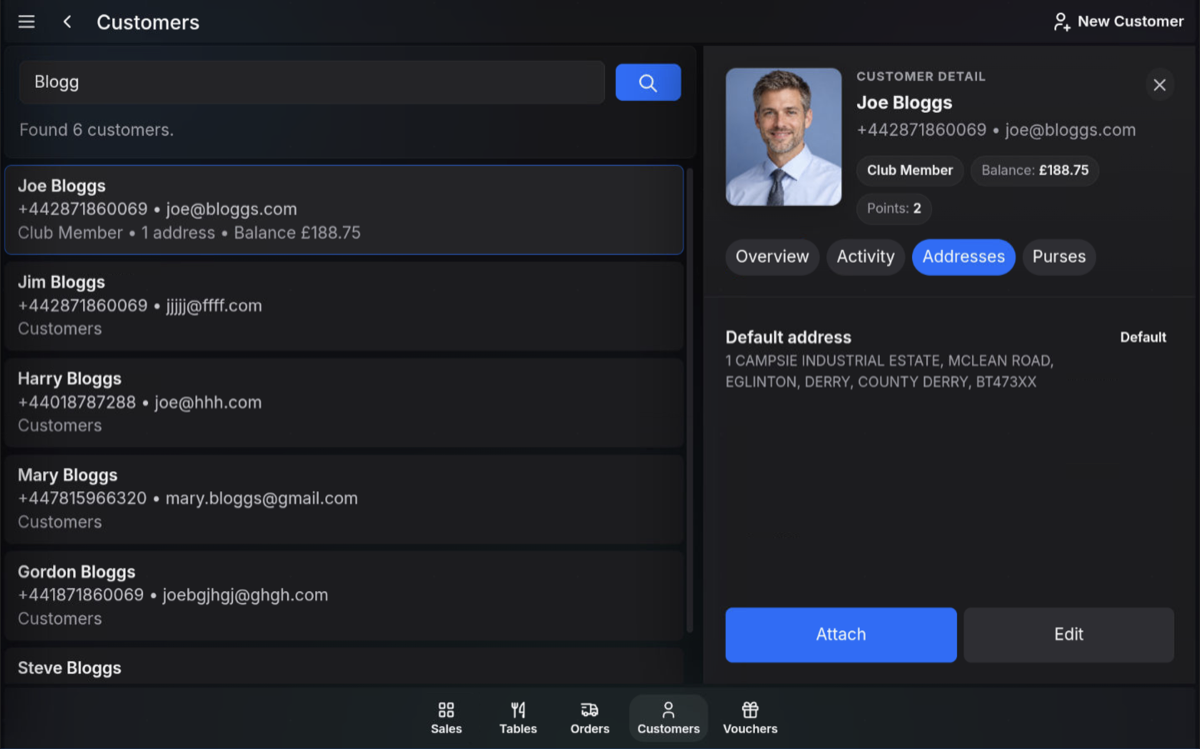
Addresses
The Addresses tab shows the addresses saved against the customer record, including the default address where one has been set.
Purses
The Purses tab shows any customer purses or wallets, their current balances, and the available Top Up option where permitted.
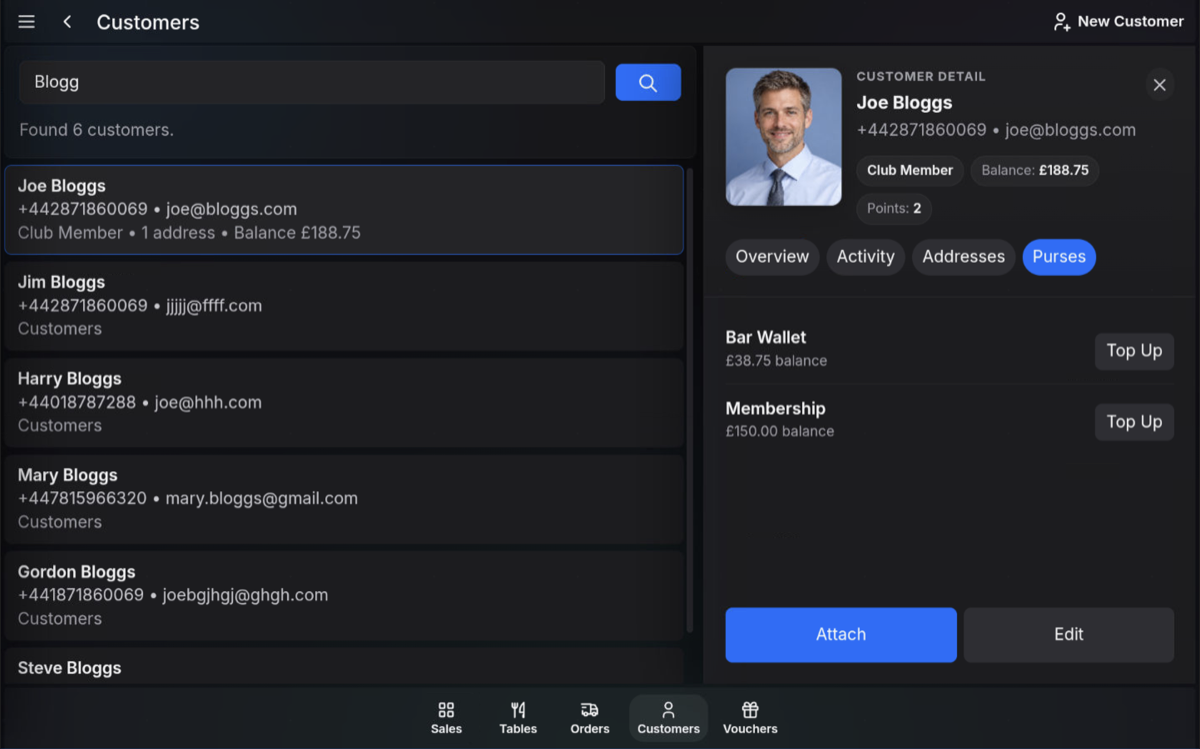
Attach or edit: From the customer record, you can attach the customer to the current sale or edit their details if your user role allows it.
FAQ
Can every user edit customer details?
No. Editing customer details depends on the permissions available to your user role.
What are purses?
Purses are customer balances or wallets, such as a bar wallet or membership balance, that can be viewed and topped up where permitted.