Customer Card
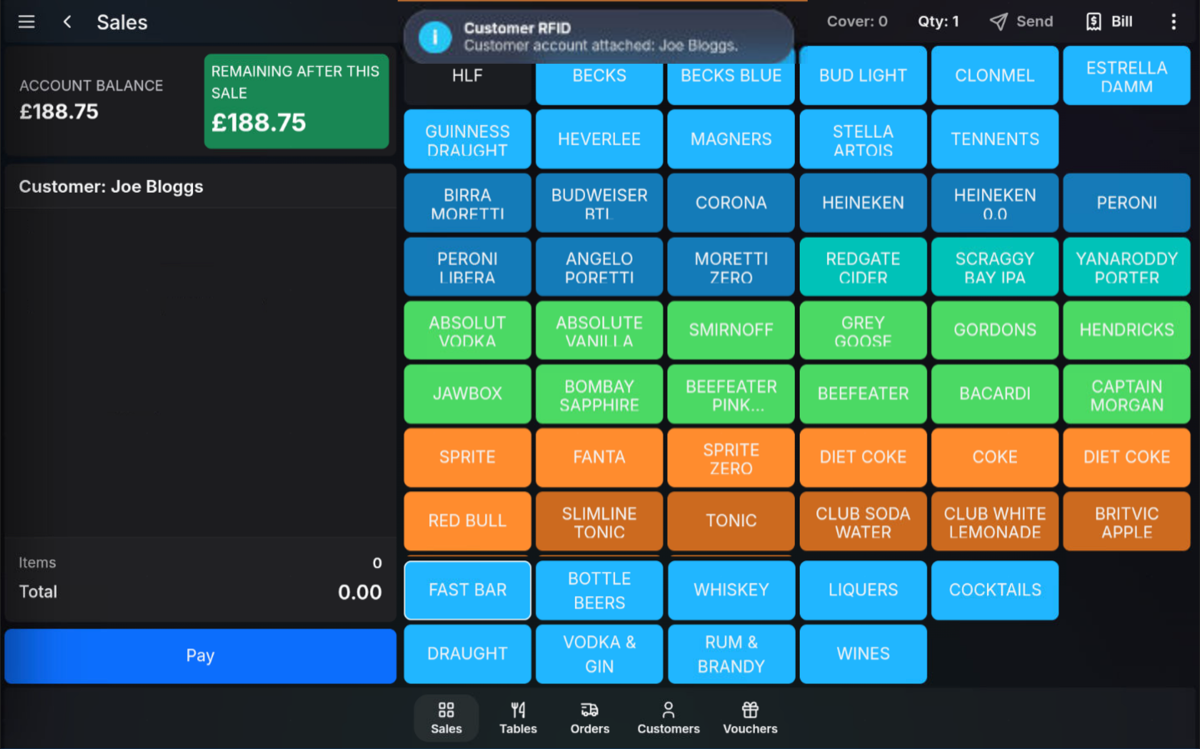
If a swipe card or MIFARE proximity card is assigned to a customer, it can be used to attach the customer to the current sale.
Attach with a card
- Start or open the sale.
- Swipe the customer card, or touch the MIFARE proximity card to the reader.
- The customer is attached to the transaction.
Attach with finger-vein
If biometric finger-vein readers are used, the customer places their finger in the reader. When the customer is recognised, their account is attached to the sale.
When to attach: A customer card or biometric finger-vein lookup can be used at any stage of the sale before payment is finalised.
FAQ
Does the customer need to be searched first?
No. If the card or biometric record is assigned to the customer, the POS can attach the customer directly to the sale.
Can I attach the customer after items have been sold?
Yes. The customer can be attached at any stage before payment is finalised.