Equal Split Bill
Use Equal Split when customers want to divide the table total evenly across two or more payments.
Important: Once you start splitting the bill, you must complete the process.
Start an equal split
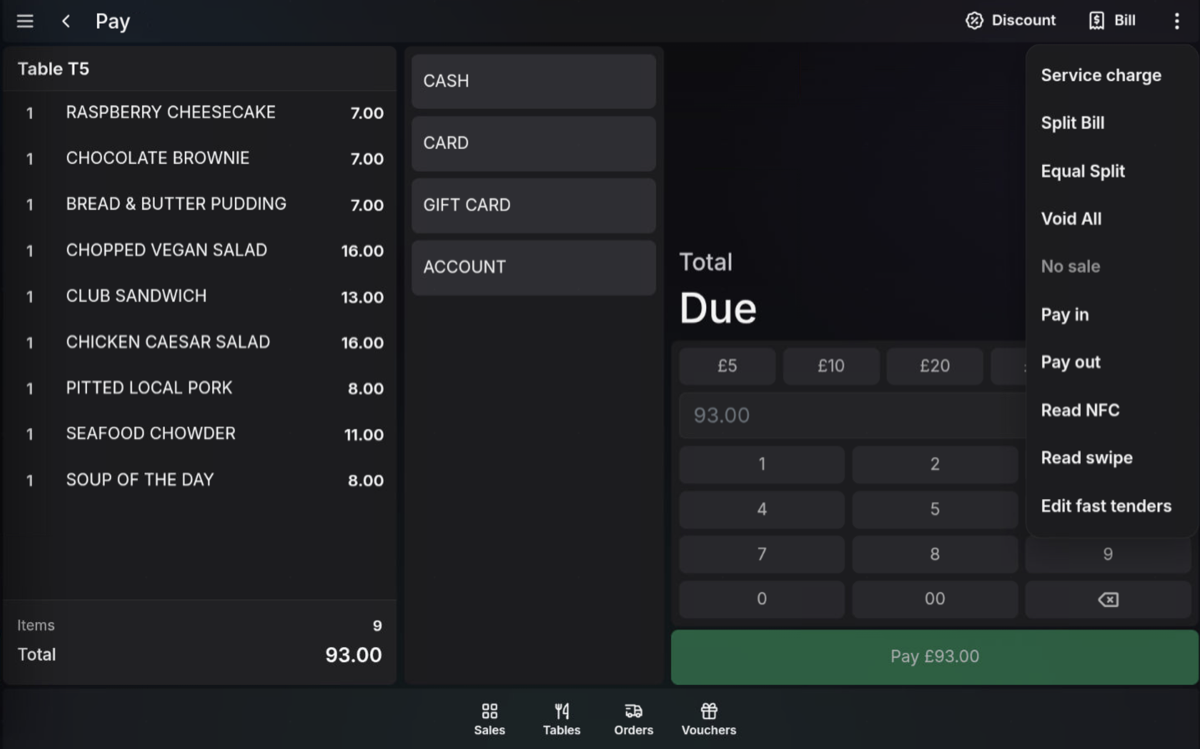
- Open the table and go to the payment screen.
- Open the actions menu.
- Select Equal Split.
Choose the number of payments
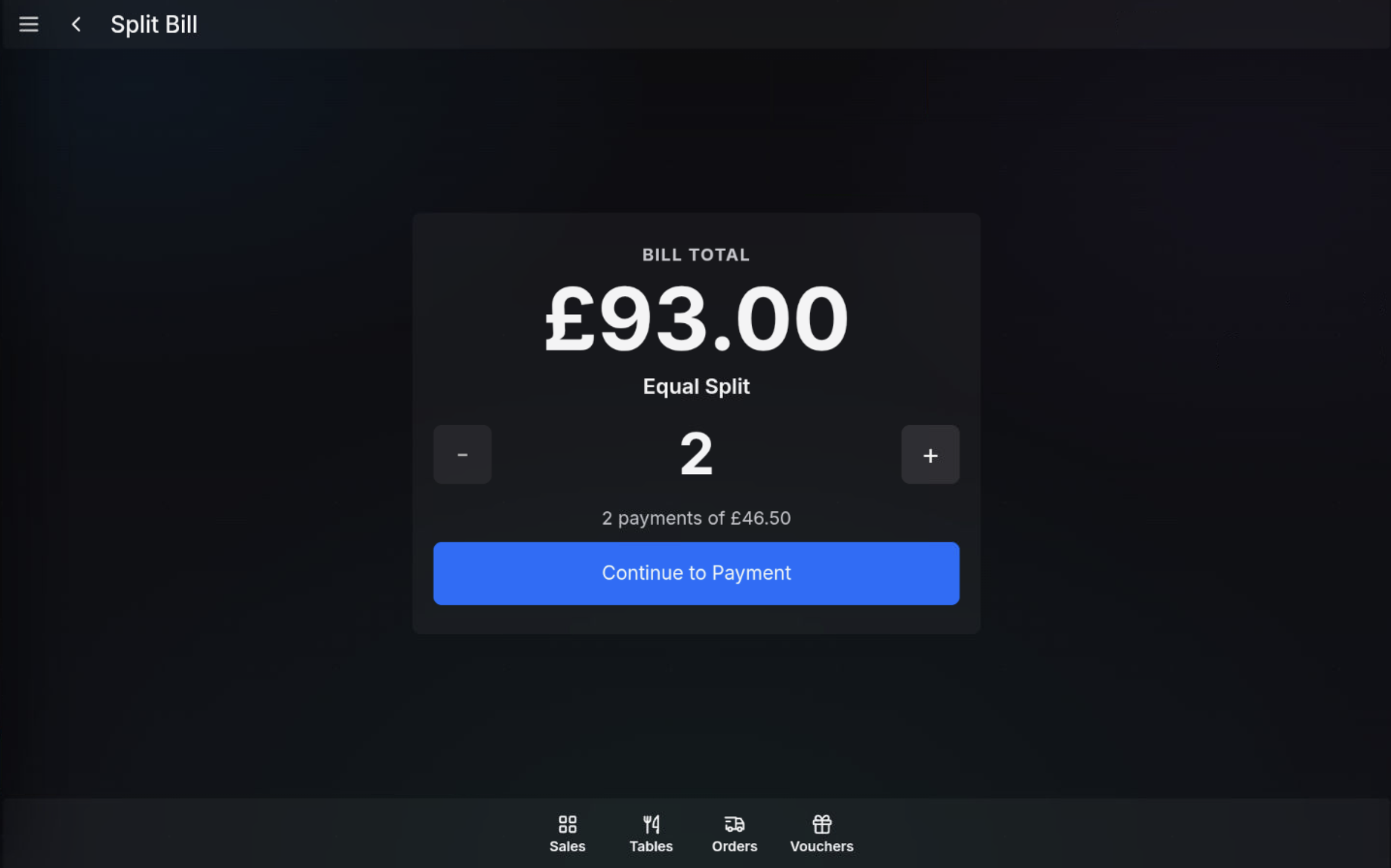
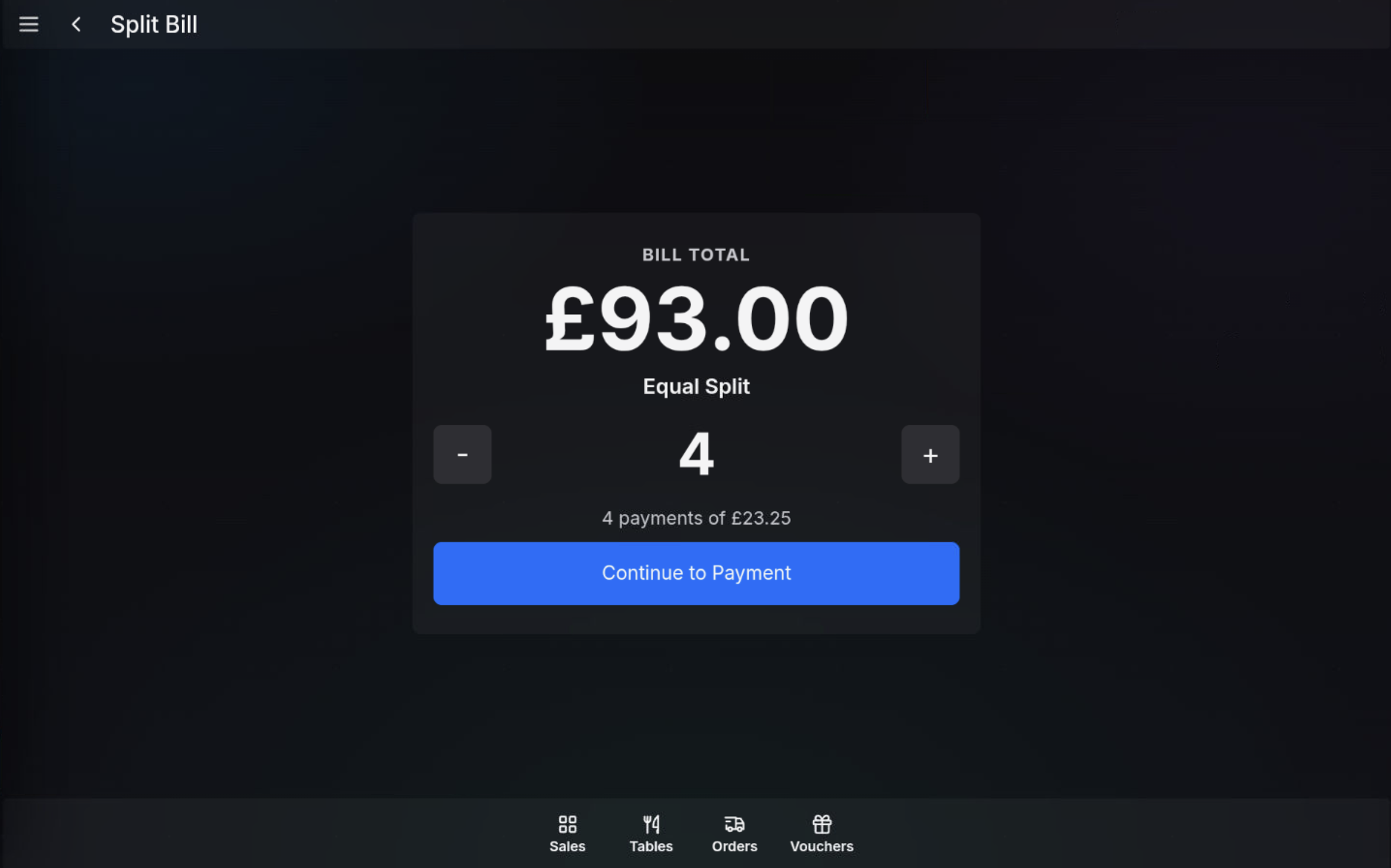
- Use the minus and plus buttons to choose how many equal payments are required.
- Check the amount shown for each payment.
- Press Continue to Payment.
Take the first payment
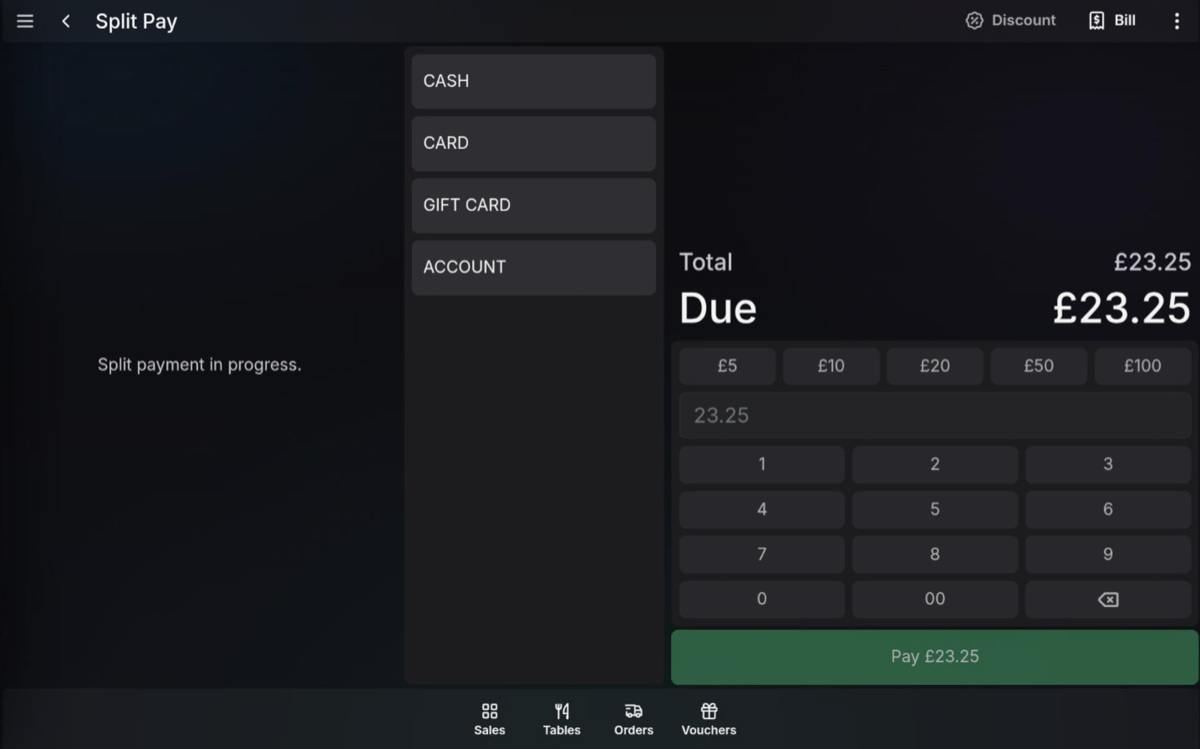
- The POS shows the amount due for the first share of the bill.
- Select the payment method and complete the payment.
- Press Continue after the payment is accepted.
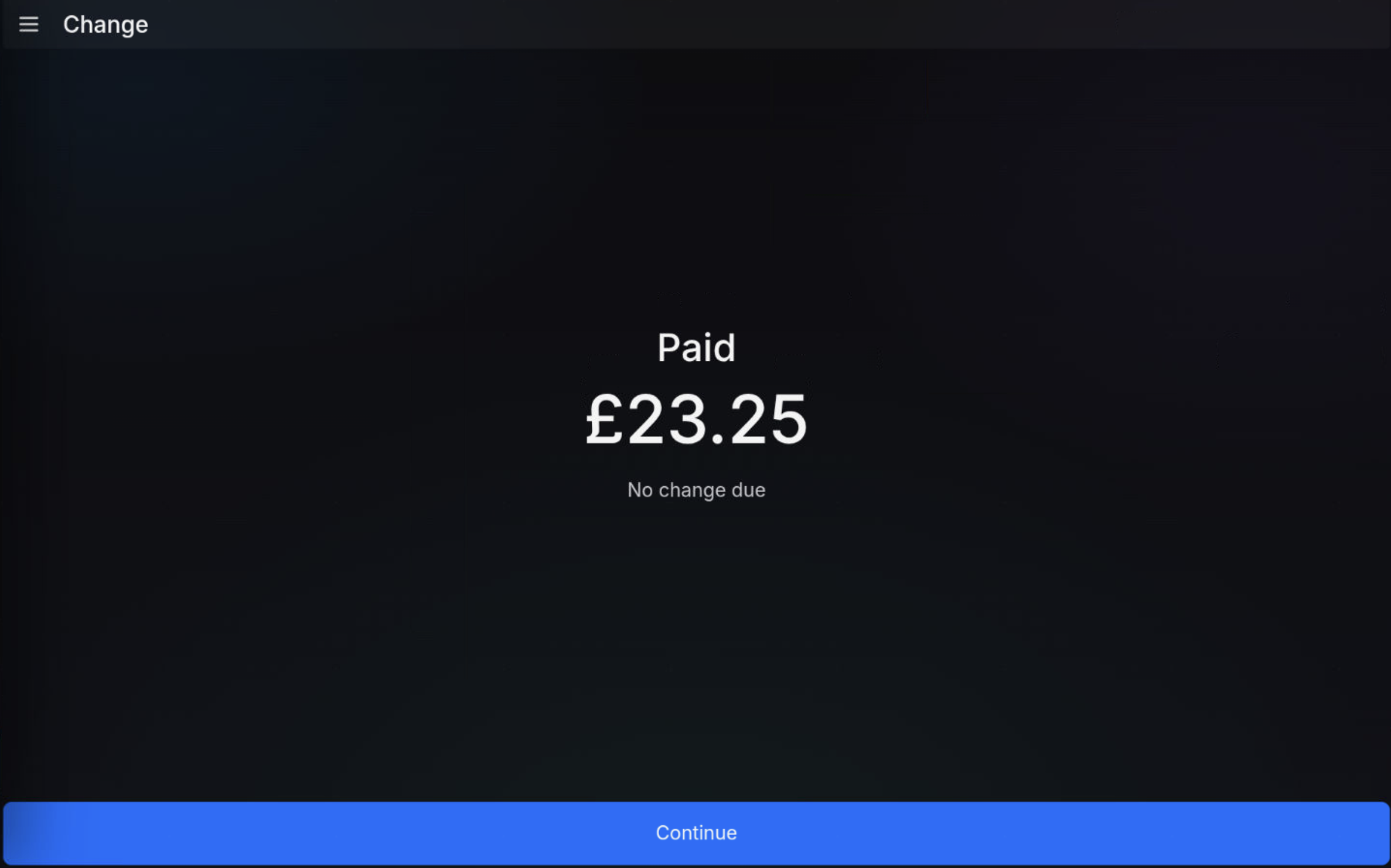
Complete the remaining payments
After each payment, the POS moves to the next equal split amount. Continue taking payments until every split has been paid.
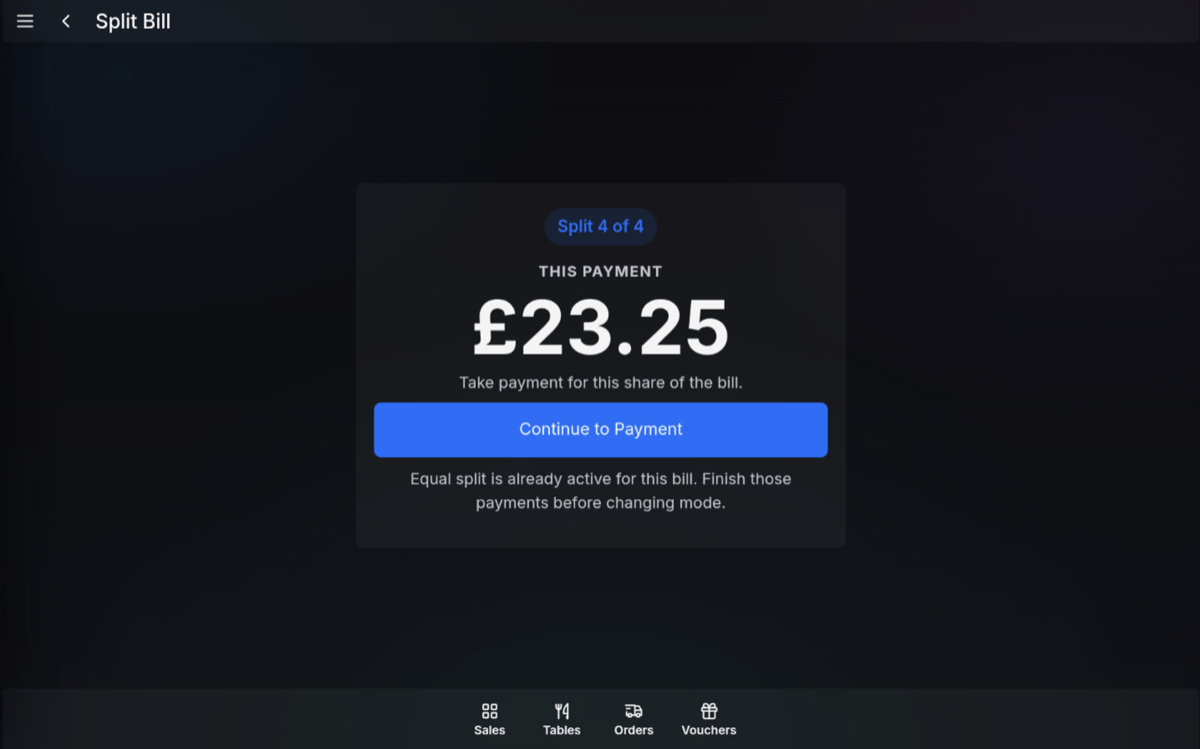
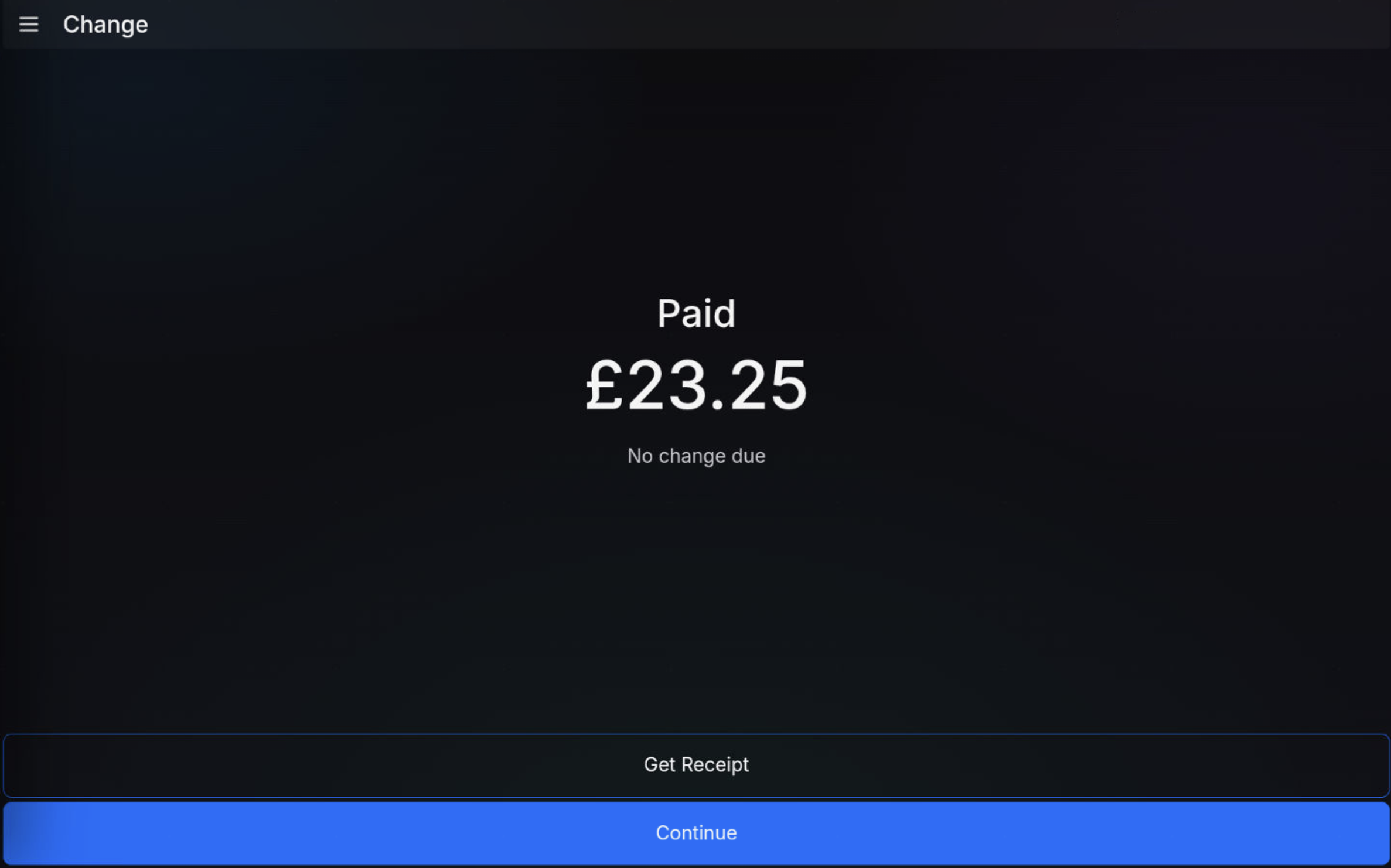
After the final payment is completed, the table is finalised.
FAQ
Can I change back to another split mode after starting?
No. Once the equal split is active, finish those payments before changing mode.
Can each person use a different payment method?
Yes. Complete each equal split payment using the payment method required for that customer.