Finishing Your Shift
Finishing a shift means clocking out for attendance. This only applies when User Attendance has been enabled for your user account.
If User Attendance is enabled
At the end of your shift, press Clock Out, then use your normal identification method:
- Enter your PIN
- Swipe or touch your RFID card
- Insert your finger into the biometric finger-vein reader
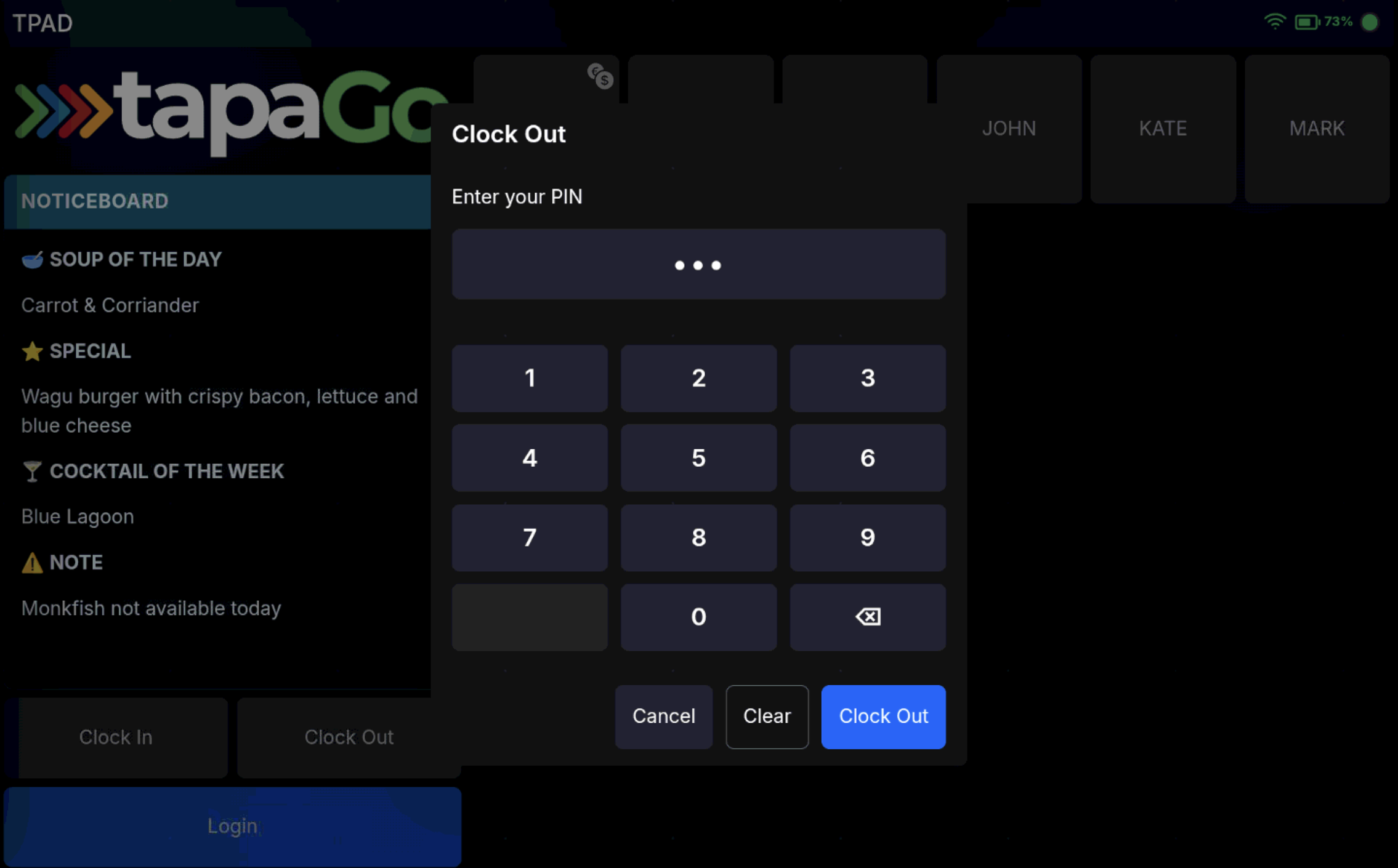
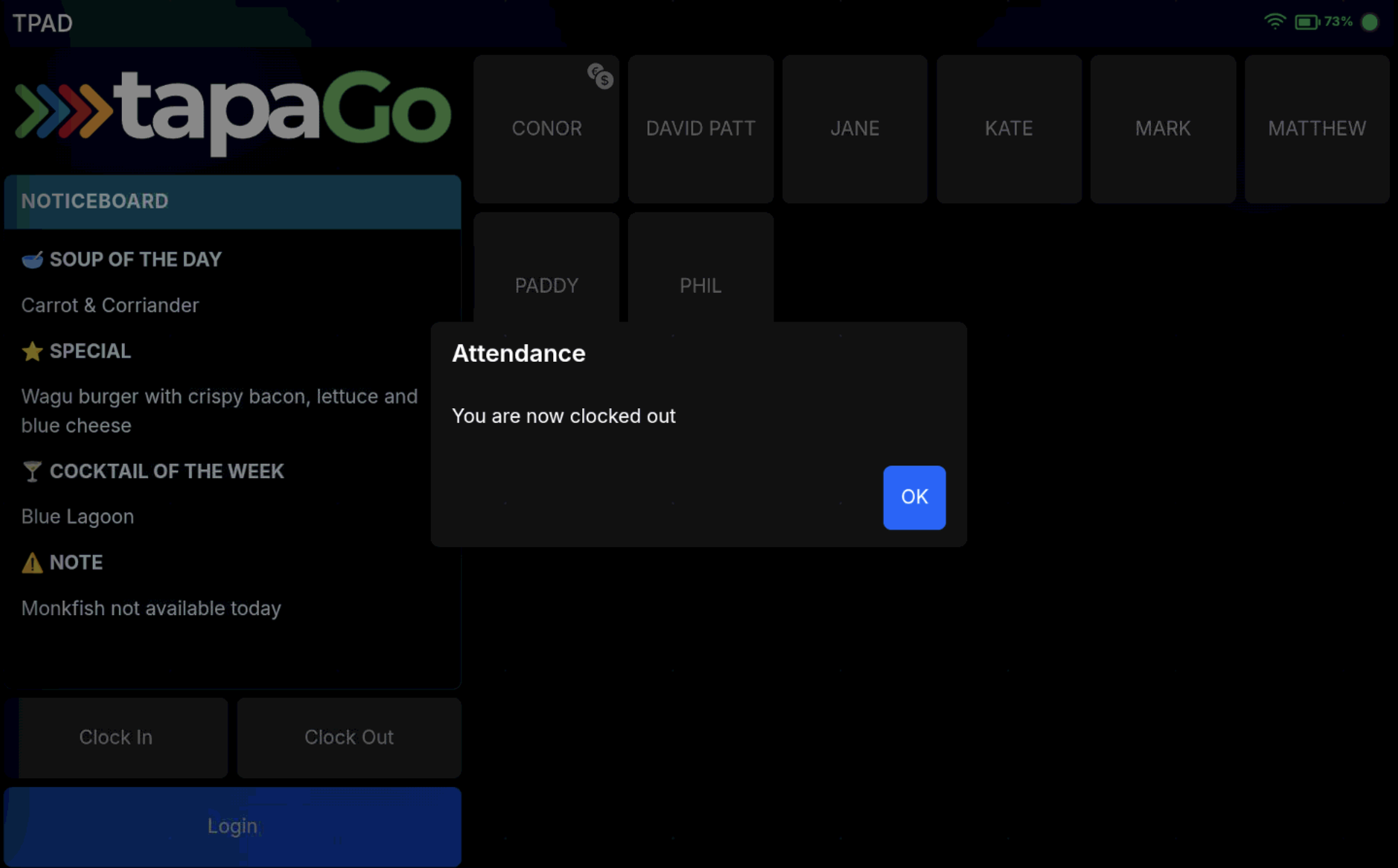
Once clocked out, your user button is removed from the sign-on screen.
If User Attendance is not enabled
You do not need to clock out.
FAQ
What happens when I clock out?
Your attendance session ends and your user button is removed from the sign-on screen.
Do I need to clock out if User Attendance is not enabled?
No. Clocking out is only required when User Attendance is enabled for your account.