Printing a Bill
Print a bill when the table wants to review the order total before payment. The table remains open after the bill is printed.
Print a bill
- Open the table.
- Select Other Functions.
- Press Print Bill.
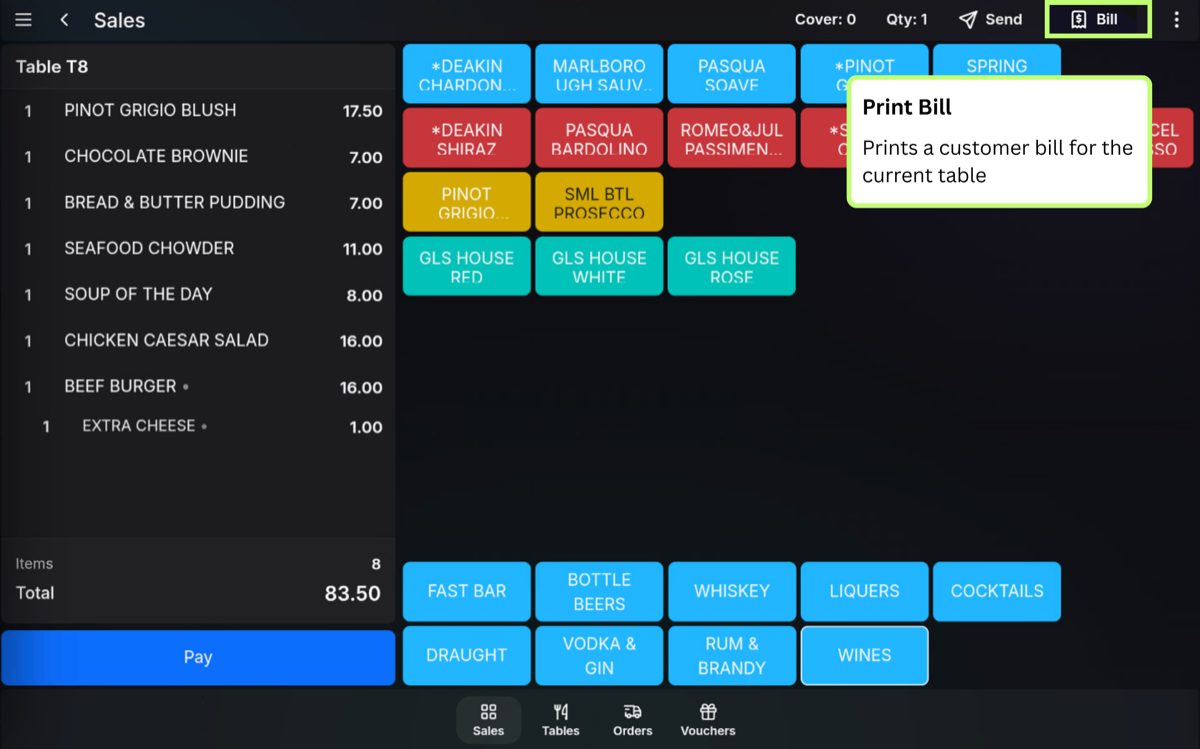
Print a bill on App
- Open the table.
- Press Review.
- Press the print icon.
Bill Printed state: After printing, the table changes to the Bill Printed state.
FAQ
Does printing a bill close the table?
No. Printing a bill does not close the table. The table stays open until it is paid or cleared.
Can I add more items after printing a bill?
Yes. Open the table, add the items, and send or print the bill again if required.