Run a Z Report
A Z report ends the current report period. When the process is completed, the report is printed.
Cash Declaration is optional and depends on the tender setup. If no tender requires declaration, the Z report can complete without the cash count step.
Start the Z report
- Open Report.
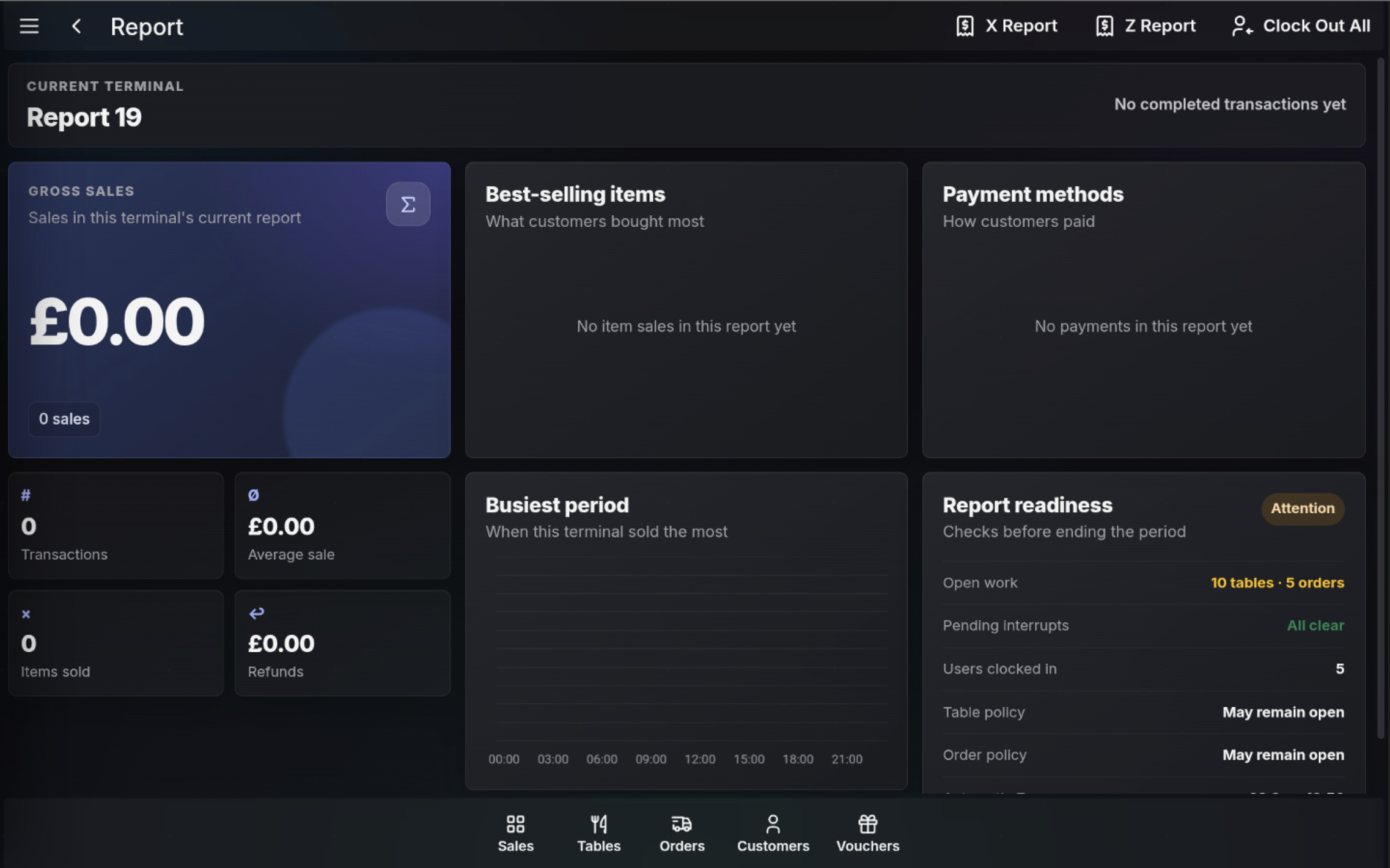
- Review Report readiness and resolve any items that must be cleared before end of period.
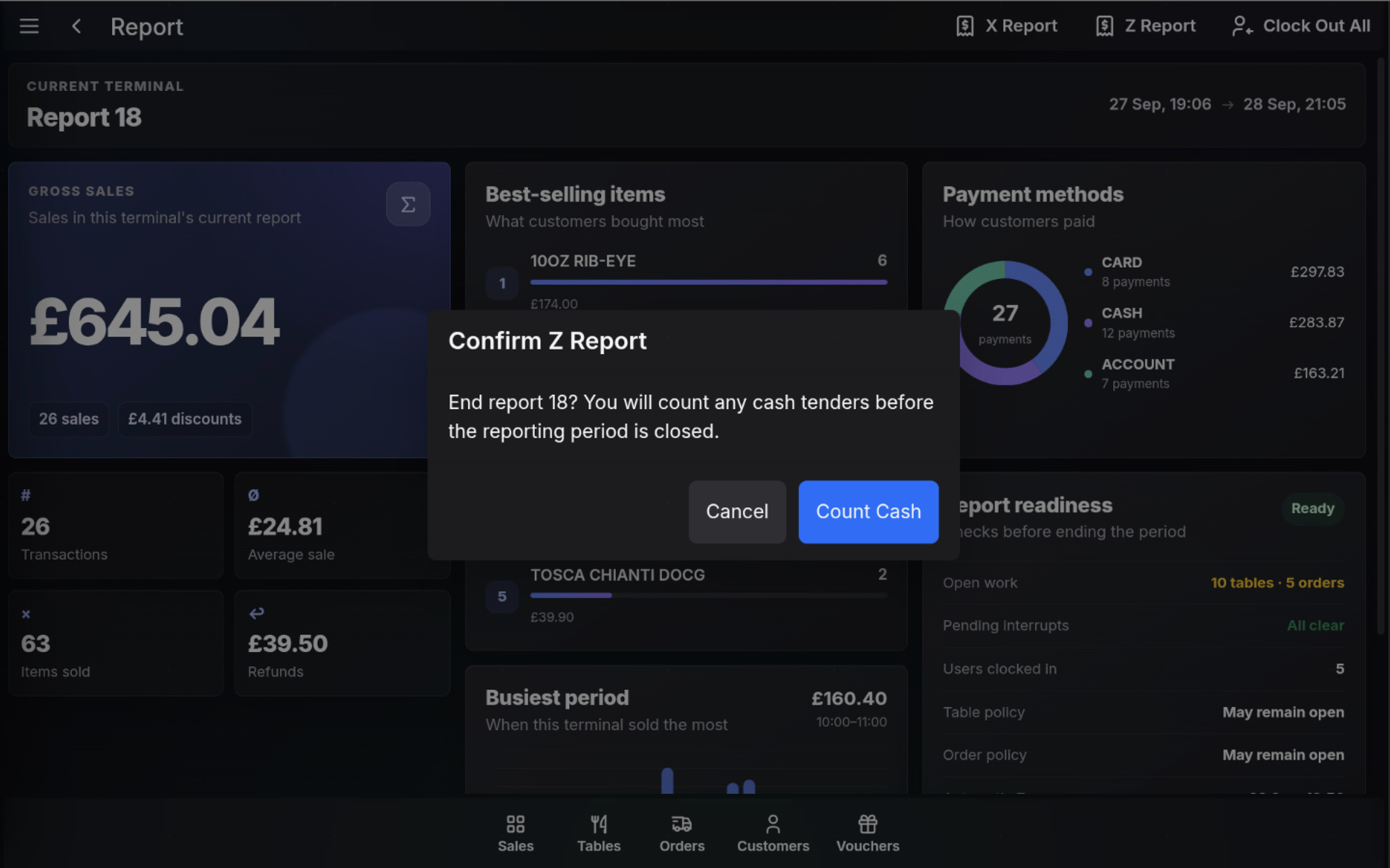
- Select Z Report.
- Read the confirmation message.
- If prompted, choose Count Cash.
Complete cash declaration
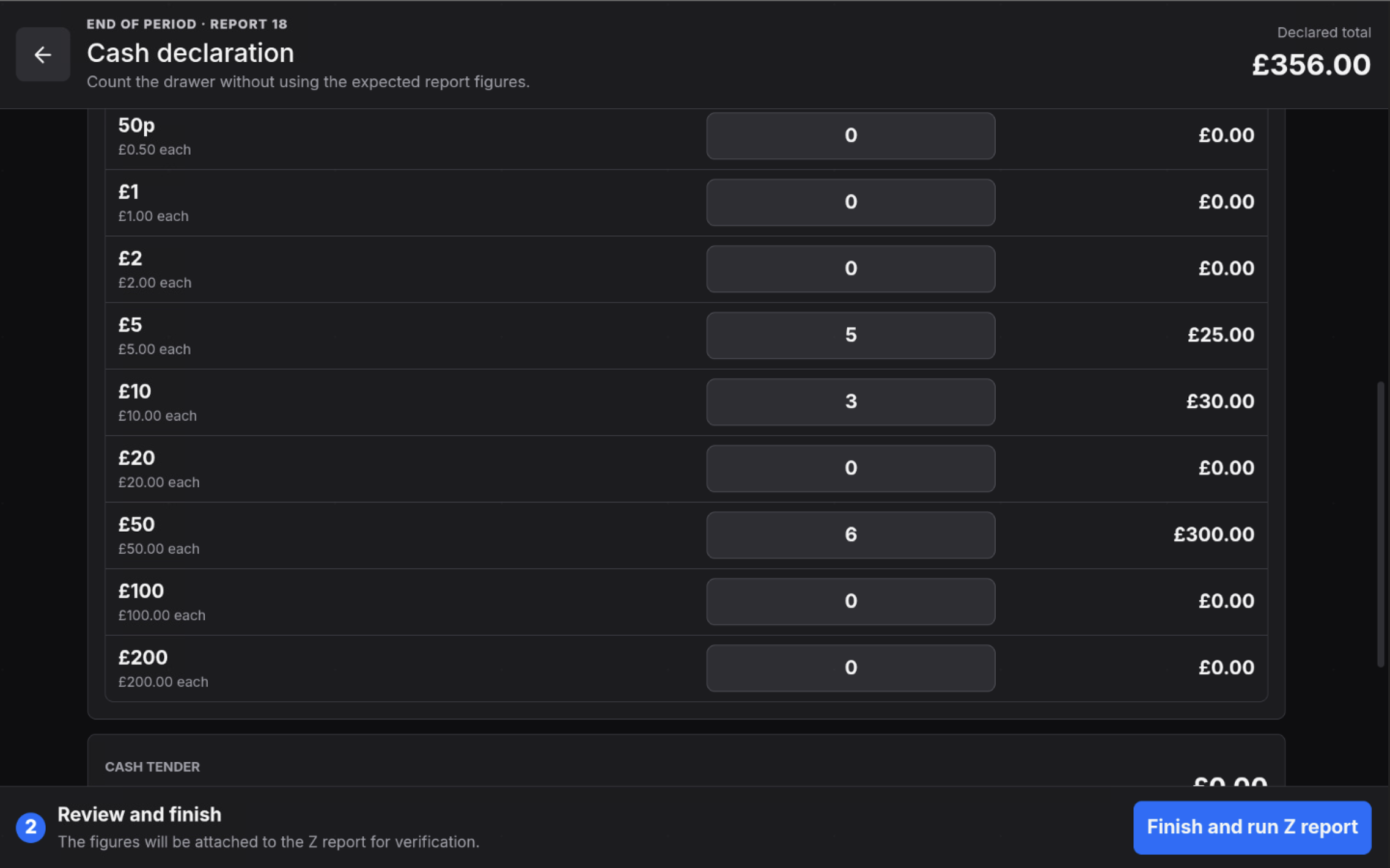
- Count the drawer without using the expected report figures.
- Enter the quantity for each denomination.
- Check the Declared total.
- Review any tender declaration sections shown below the cash count.
- Select Finish and run Z report.
If a variance warning appears
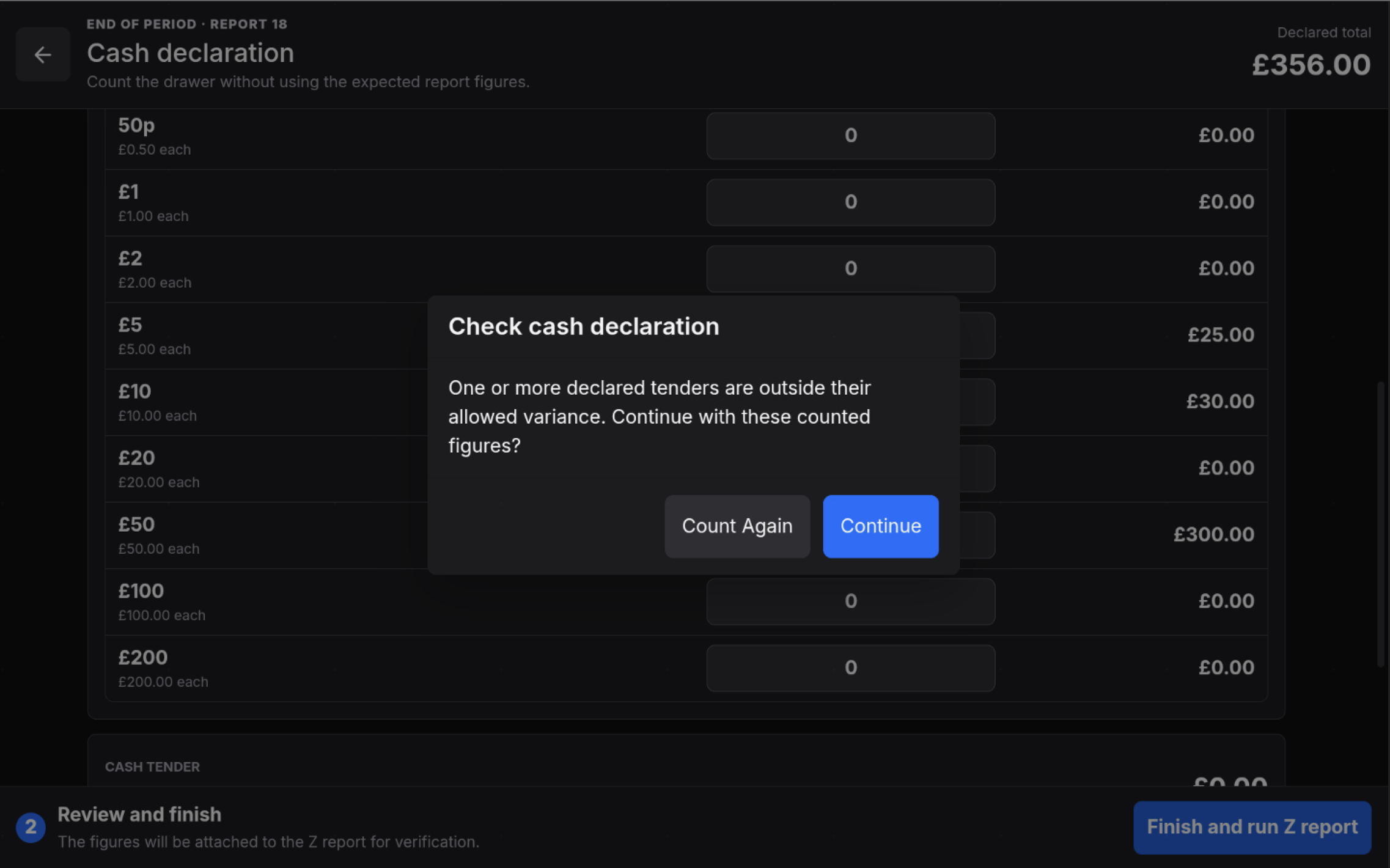
If one or more declared tenders are outside the allowed variance, the POS shows a warning before the Z report is completed.
- Count Again returns to the declaration so the counted figures can be checked.
- Continue accepts the declared figures and continues with the Z report.
Finish the report
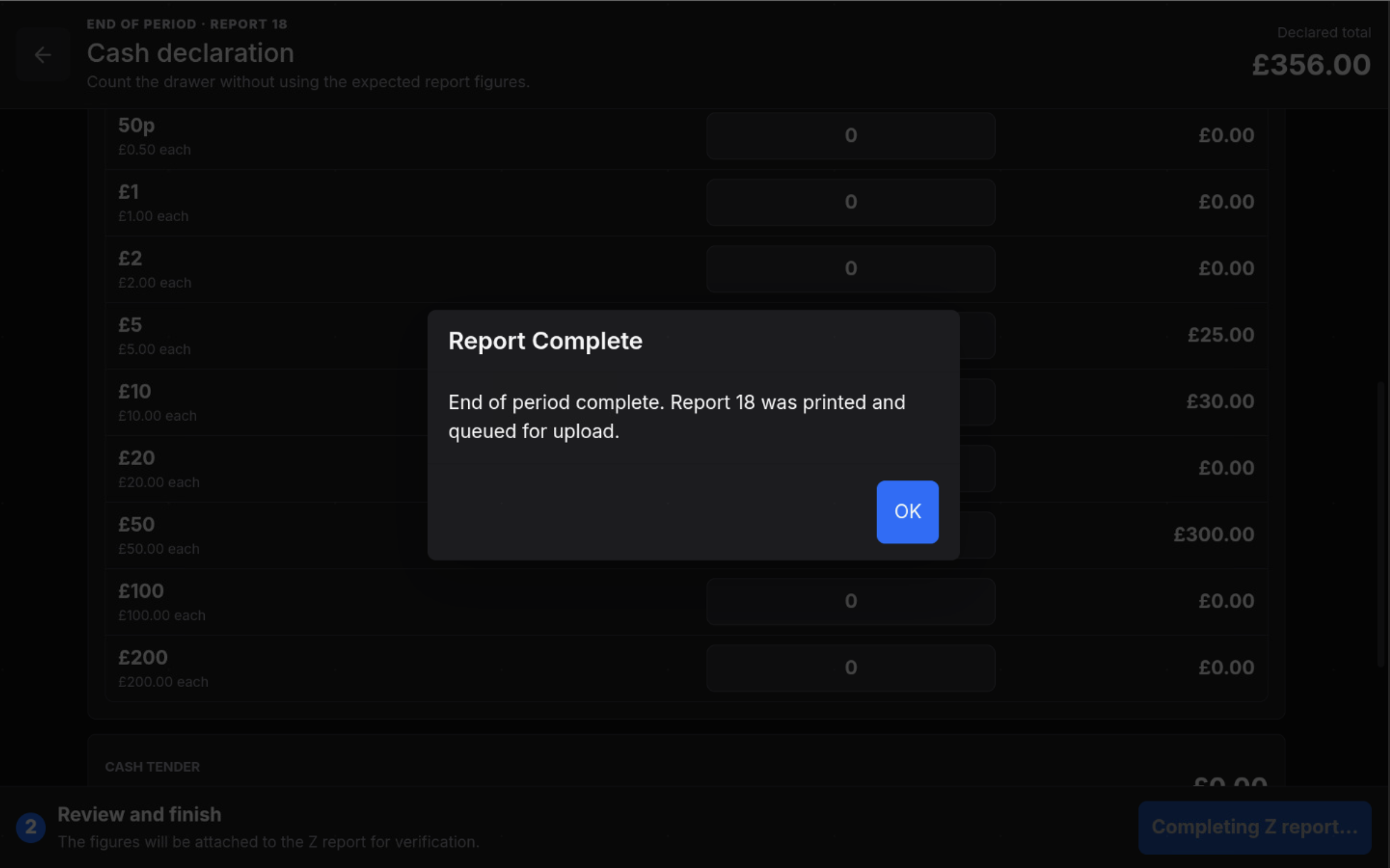
When the end-of-period process completes, the POS confirms that the report was printed. Select OK to close the message.
After completing the Z report
The POS starts the next report period. The report figures return to zero until new transactions are completed on the terminal.
FAQ
Is Cash Declaration always required?
No. Cash Declaration is optional and depends on the tender setup. It only appears when a tender is configured to require declaration.
What should I do if a variance warning appears?
Choose Count Again to check the declared figures, or choose Continue to accept the counted figures and continue with the Z report.
Can I cancel before completing the Z Report?
Use Cancel on the confirmation step if you do not want to start the Z report process.