Search for Customer
Use customer search to find an existing customer record and attach it to the current sale.
Open customer search
- From the POS, press Customers in the dock.
- Use the search field to search by customer name, phone number, or email address.
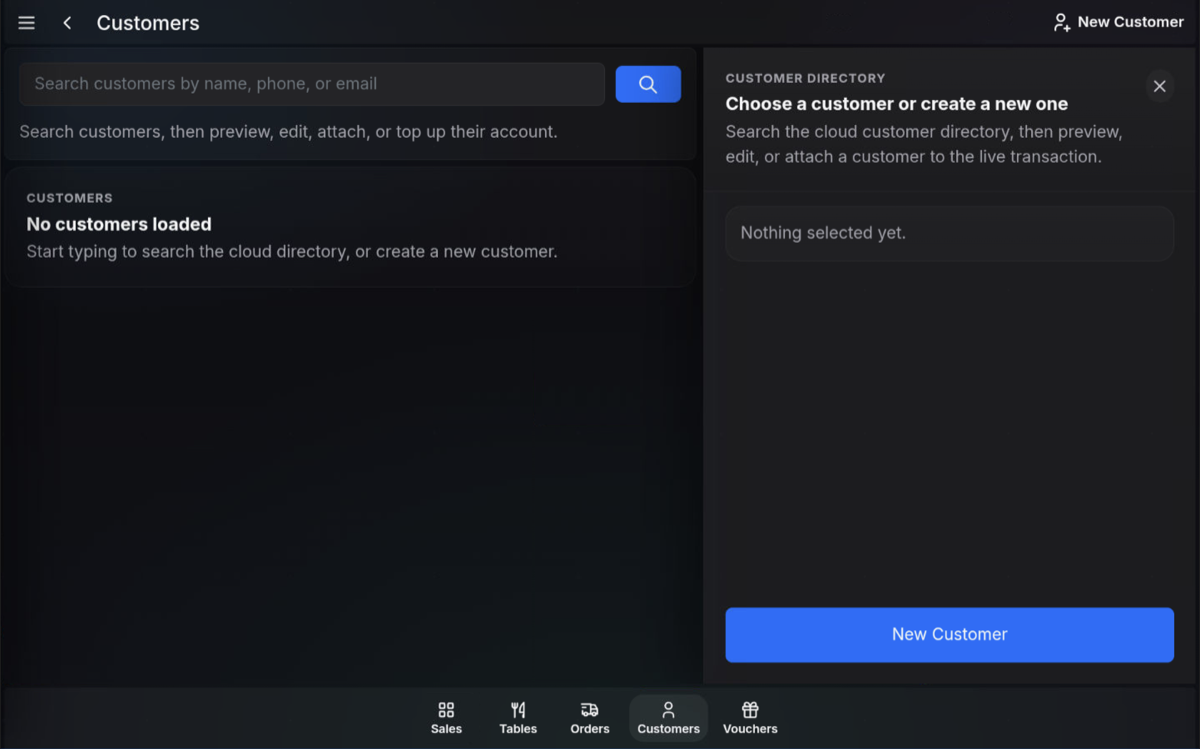
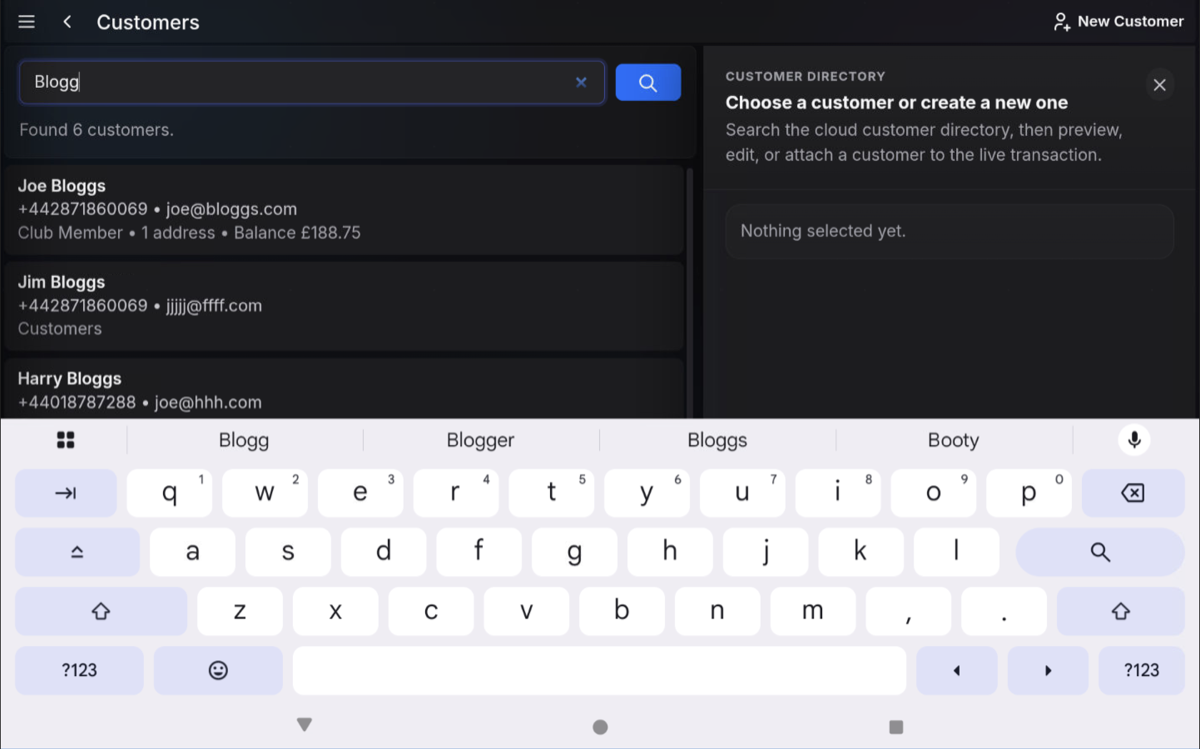
Search the customer directory
- Enter the customer details you want to search for.
- Press the search button if required.
- Review the matching customer results.
Select the customer
- Select the correct customer from the results list.
- Check the customer preview if shown.
- Attach the customer to the live transaction.
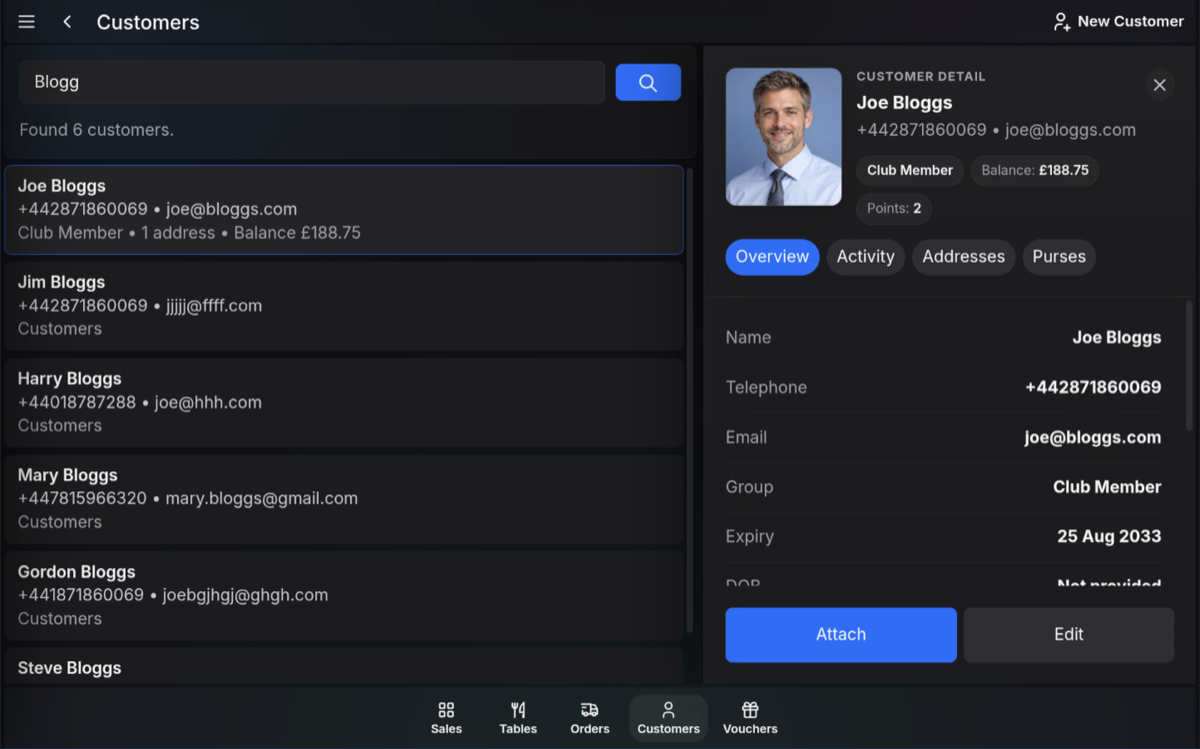
Customer directory: Customer search can be used to preview, edit, attach, or top up a customer account, depending on the options available to your user role.
FAQ
What can I search by?
You can search by customer name, phone number, or email address.
What happens after I select a customer?
The selected customer is attached to the current sale so the transaction is linked to their customer record.