Search Transactions
Use transaction search when you need to find a completed sale by operator, transaction number, tender type, total, or date range.
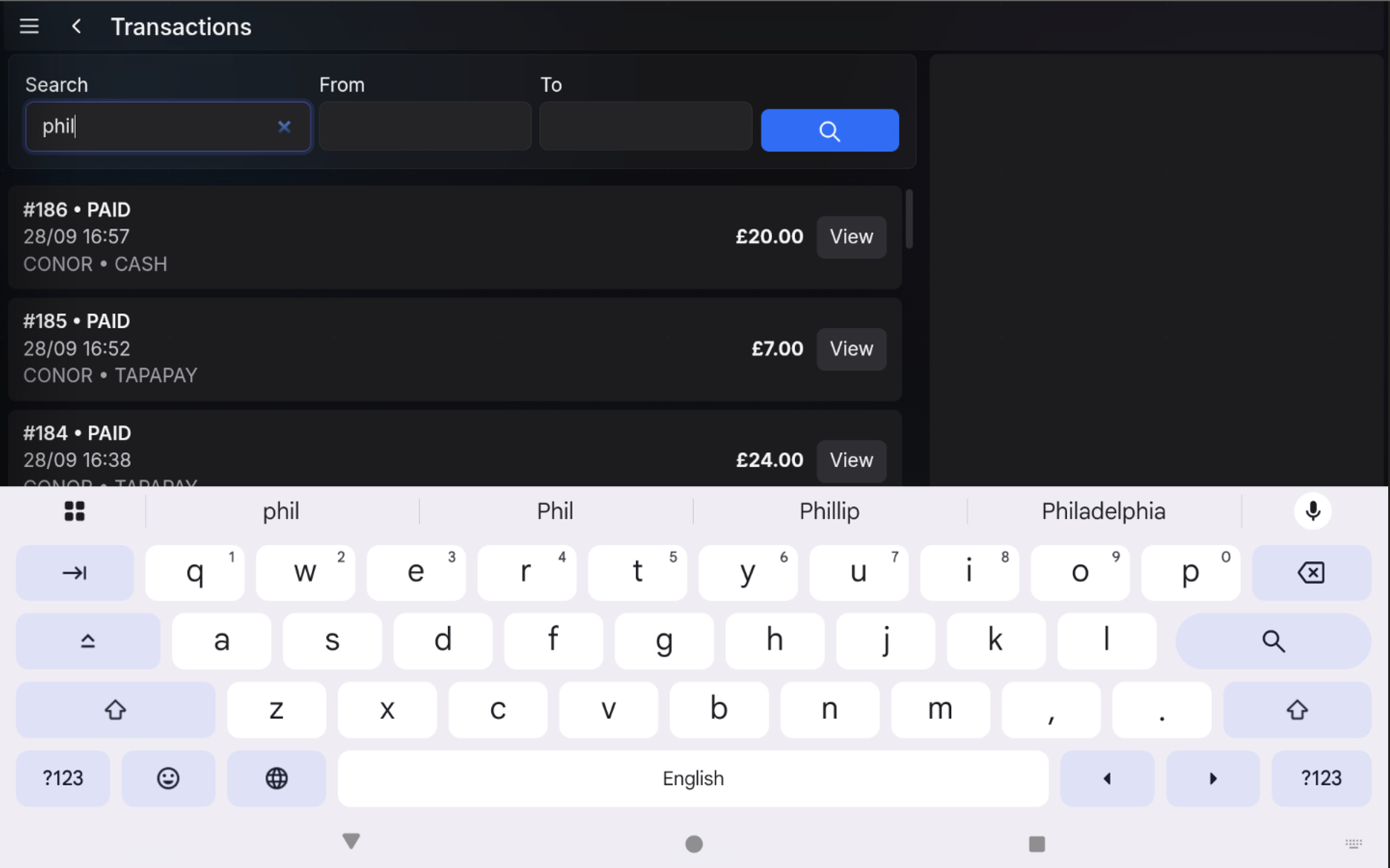
Enter a search
- Open Transactions.
- Tap the Search field.
- Enter the user name, transaction number, type, total, or other search text.
- Use From and To if the search should be limited to a date range.
- Choose the search button.
Review results
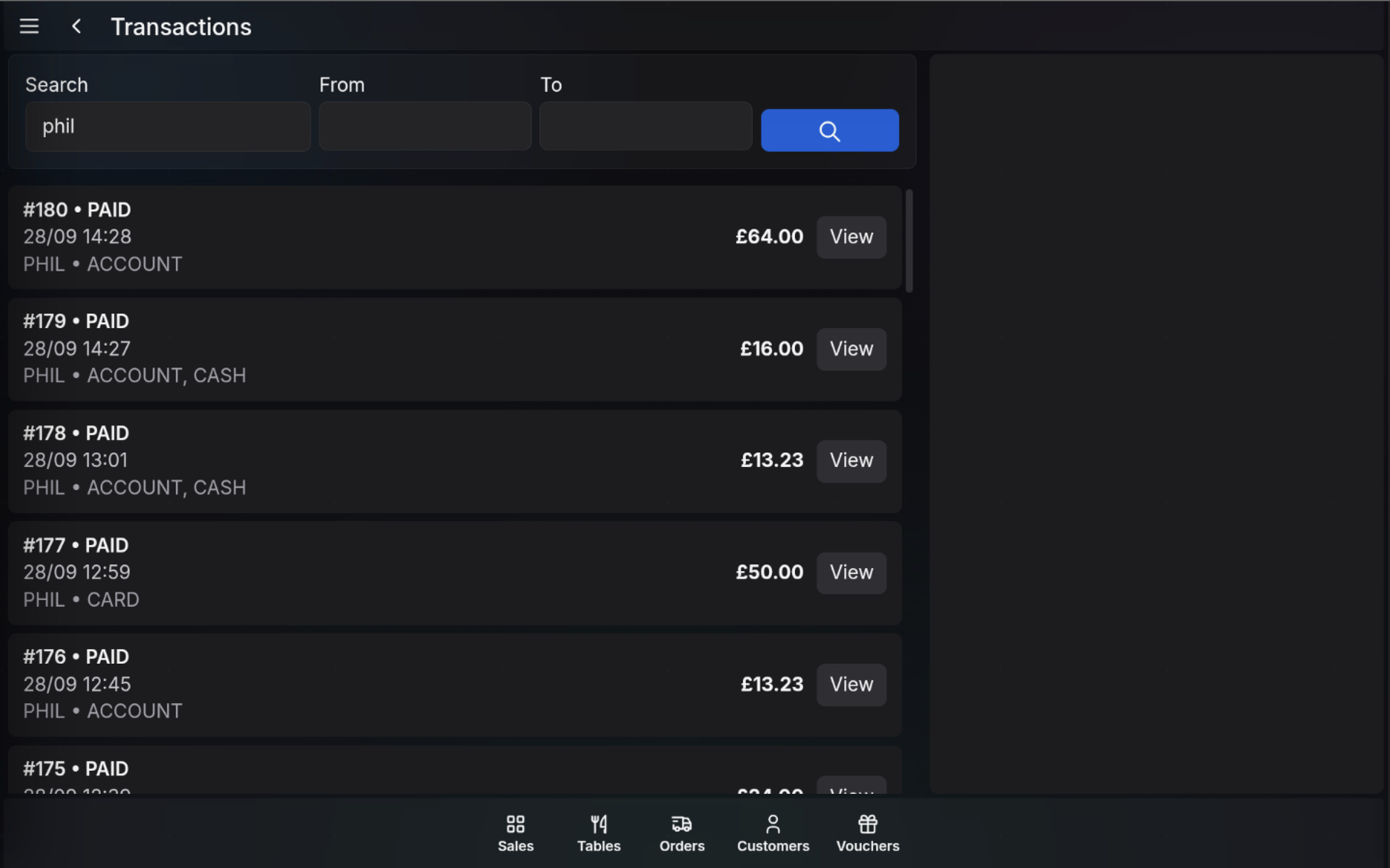
The list updates to show matching transactions. Use the transaction number, operator, tender type, time, and total to identify the correct result.
- Use View to open the transaction.
- Use the clear control in the search field to remove the search text.
- Change the date range and search again if the expected transaction is not shown.
FAQ
What can I search by?
You can search by user, transaction number, transaction type, total, or other matching transaction text.
Why is the transaction not showing?
Check the spelling, clear the search field, and widen the From and To date range before searching again.