Table Joins
Use table joins to group two or more tables together. Joined tables open as one table order and show a line between the joined tables on the map.
Unopened tables only: Table joins can only be performed on unopened tables.
Join tables
-
Select Actions.
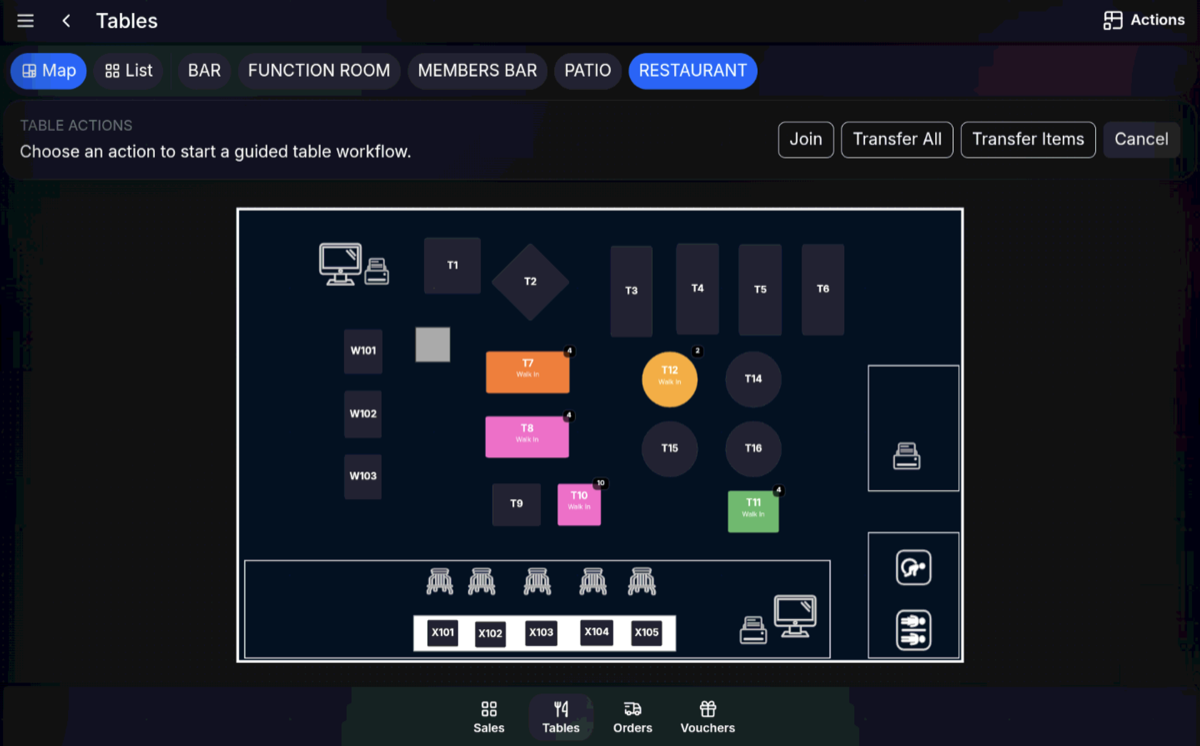
-
Select Table Join.
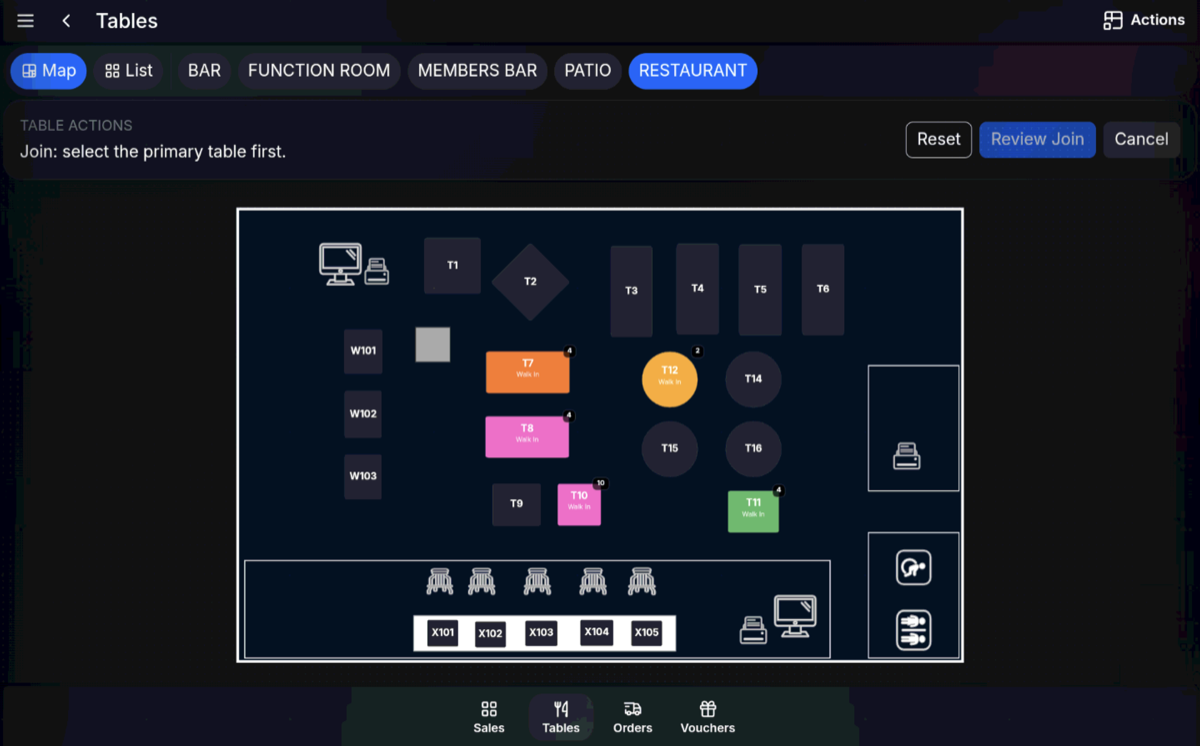
-
Select the first table to join.
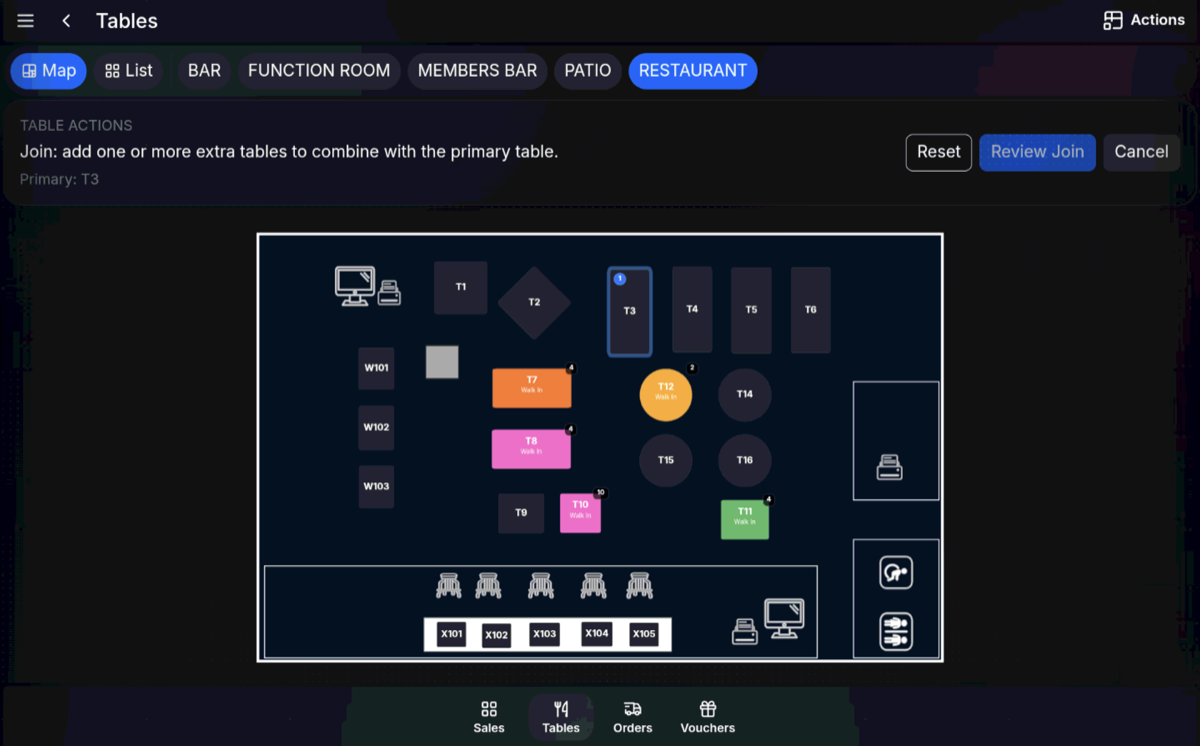
-
Select the next table to join. You can select more tables if required.
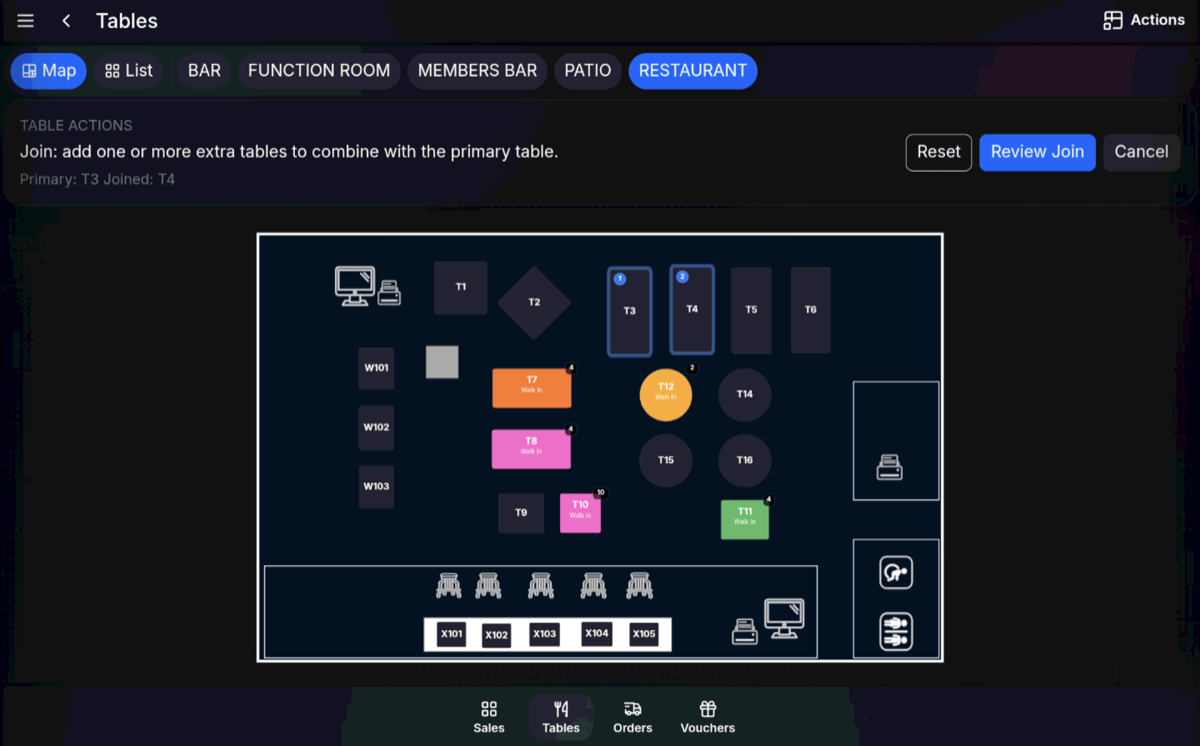
- Review the table join.
After joining tables
After you confirm, the joined tables open together. You can adjust details such as covers, expected duration, and guest name if required.
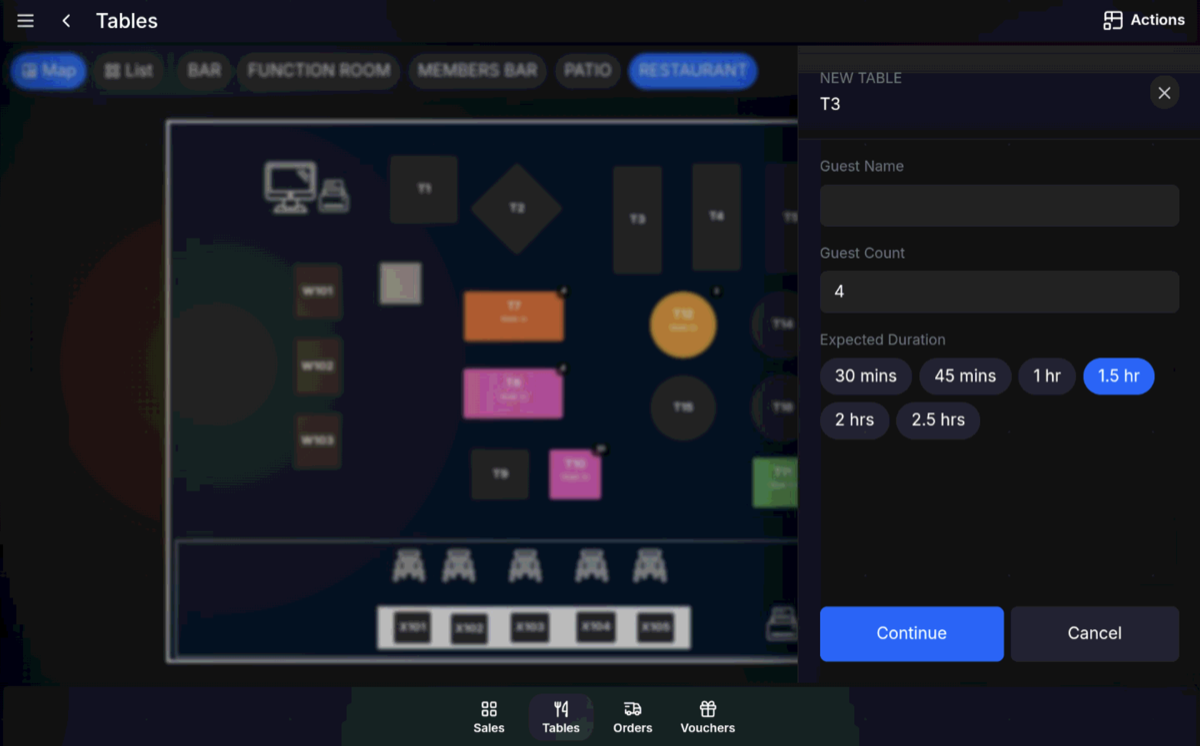
On the table map, joined tables show with a line between them.
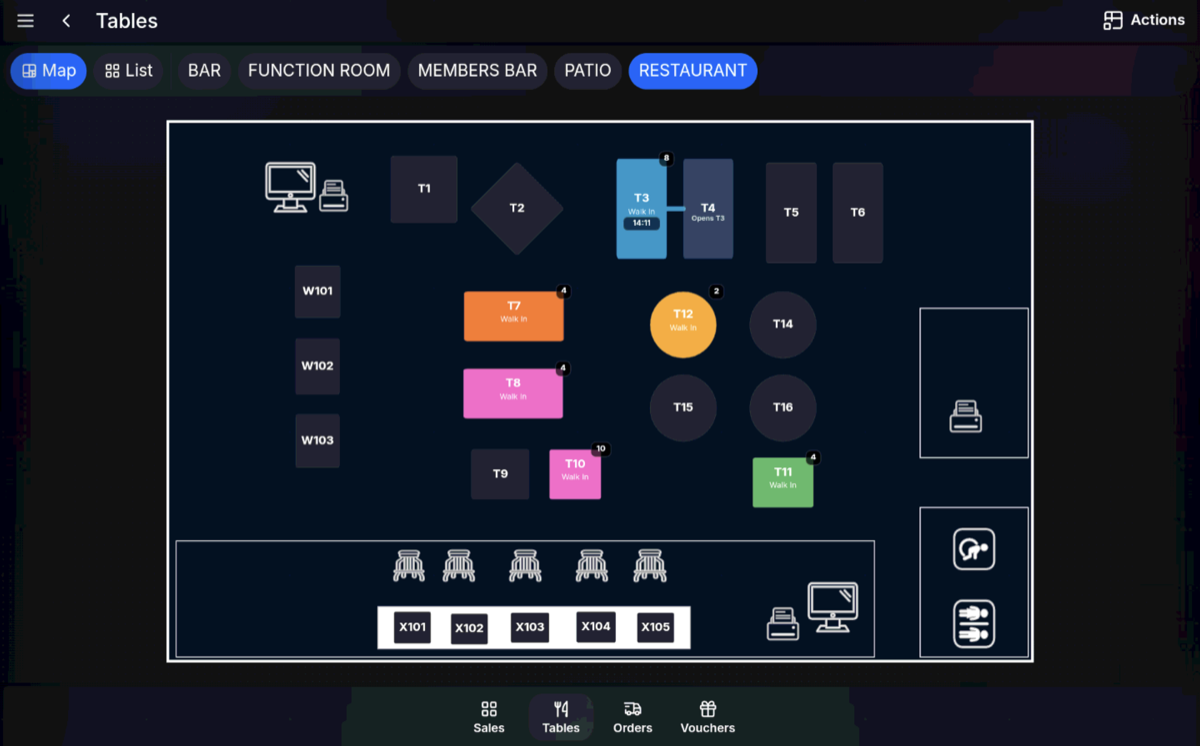
Joined tables: Treat joined tables as one table order until they are paid, cleared, or separated using the available table functions for your setup.
FAQ
Can I join more than two tables?
Yes. Select the first table, then select each additional table that should be joined before confirming.
Can I adjust covers after joining tables?
Yes. After the joined table opens, check and adjust covers and other table details if required.